Power spikes can damage sensitive electronics, shorten appliance lifespan, and create frustrating “mystery” issues that are hard to trace. This checklist is for homeowners, landlords, and small business owners who want a practical way to reduce risk and protect what’s plugged in—without overcomplicating the decision. As spring brings more day-to-day electrical use changes (HVAC, outdoor tools, and storms in the distance), it’s a smart time to review your setup and confirm your home’s defenses are still doing their job.
The goal isn’t perfection—it’s layered protection and good habits: protect the whole electrical system where possible, protect critical devices at the point of use, and fix wiring or grounding problems that make protective devices less effective.
If you want hands-on help, start with surge protection in Bishop, GA and ask what combination of whole-home and point-of-use options best fits your panel and devices.
Key Points to Know Before You Buy Anything
- Use layers: Combine a panel-level device with quality plug-in protectors for the best coverage.
- Check the basics first: Grounding and bonding issues can reduce how well protective devices work.
- Not all power strips protect: Look for a protector specifically rated for surges, not just extra outlets.
- Prioritize critical loads: Refrigerators, HVAC controls, computers, and network gear are common “high value” targets.
- Plan for replacement: Many protective devices wear out over time and may need periodic replacement.
How Surge Protection Works in a Real Home
A surge is a brief rise in voltage that can come from outside the home (utility switching, nearby lightning) or from inside (large motors cycling, some equipment faults). Protective devices don’t “store” extra power—they redirect or clamp excess voltage to a safe path for a short moment.
Most homes benefit from a two-layer approach:
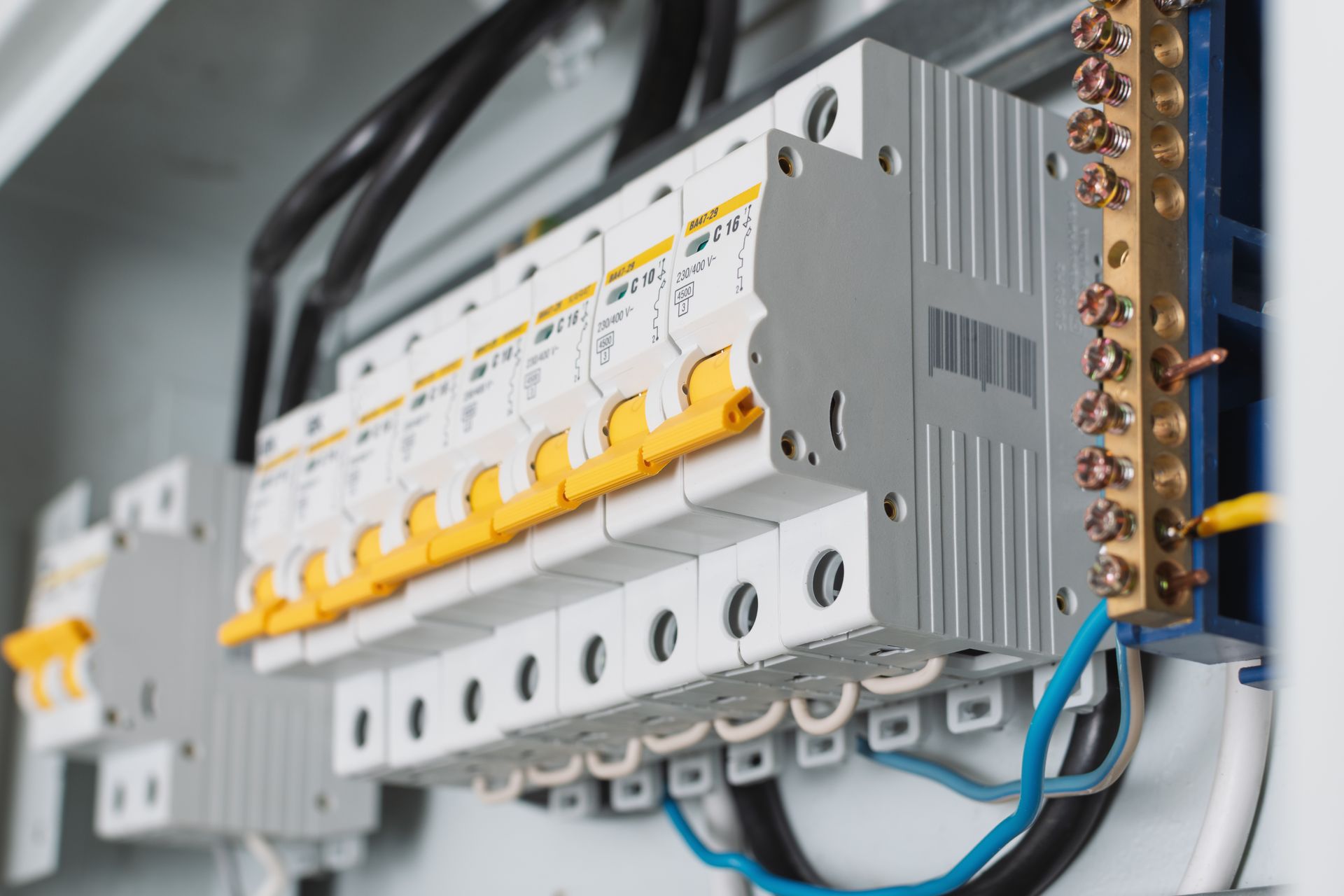
- Panel-level device (whole-home): Installed at or near the service equipment to reduce the size of incoming spikes before they spread through circuits.
- Point-of-use protectors: Plug-in or receptacle-based devices that add a second line of defense for sensitive electronics.
Because protective devices rely on the home’s grounding and bonding to work correctly, an evaluation of the electrical system (panel condition, grounding electrode system, and connections) is often part of doing this the right way.
The Real-World Impact on Safety, Downtime, and Replacement Costs
Surges don’t always cause instant failure. They can also create cumulative damage—the device keeps working until it doesn’t, or it starts acting unpredictably. That can mean:
- Safety concerns: Overheated components, damaged power supplies, or compromised cords can become hazards.
- Downtime: Lost internet, non-responsive smart home gear, or HVAC control board problems can disrupt daily life.
- Unexpected replacements: Electronics, chargers, routers, and appliance control boards can be expensive to replace, especially when multiple items are affected.
This is why a checklist approach matters: you can reduce risk systematically instead of buying random strips and hoping for the best.
High-Priority Mistakes to Avoid
- ✓ Assuming every power strip is protective — Many strips only provide outlets and a breaker; verify it’s a surge-rated device.
- ✓ Ignoring grounding/bonding problems — Loose or incorrect connections can limit how effectively a protective device can divert excess voltage.
- ✓ Overloading a single strip — High-draw appliances (space heaters, microwaves, some power tools) generally don’t belong on plug-in protectors.
- ✓ Daisy-chaining strips or protectors — Plugging one strip into another can increase heat and failure risk.
- ✓ Hiding protectors where you can’t inspect them — If you can’t see indicator lights or access the device, you may not notice it has failed.
- ✓ Skipping protection for network/coax lines — Some surges can travel via connected cables; consider protection for the full path where applicable.
Your Surge Protection Action Plan
- ✓ Inventory what matters most — List critical devices (HVAC controls, fridge, computers, router/modem, TVs, security systems) and where they plug in.
- ✓ Check your panel and grounding system — Look for corrosion, loose fittings, or outdated equipment; have an electrician verify grounding/bonding if you’re unsure.
- ✓ Choose a panel-level protective device — Ask about compatibility with your service equipment and where it will be installed (at the panel or meter base, when appropriate).
- ✓ Use quality point-of-use protectors for sensitive electronics — Place them on computers, entertainment centers, and networking equipment.
- ✓ Confirm indicator lights and labeling — Make sure you understand what “protected” and “grounded” indicators mean for your specific device.
- ✓ Replace aging or questionable protectors — If a protector is old, damaged, or has lost its protection indicator, plan to replace it.
- ✓ Keep cords and outlets in good condition — Replace loose receptacles, damaged cords, or warm-to-the-touch plugs; these issues can undermine protection and safety.
- ✓ Document your setup — Note what’s protected, by what device, and where it’s located so you can maintain it over time.
When DIY Isn’t Enough: Clear Signs to Call an Electrician
- Flickering lights that aren’t tied to a single bulb or fixture
- Burning smells, warm outlets, or buzzing from receptacles, switches, or the panel
- Frequent tripped breakers or devices that reset unexpectedly
- Recent equipment failures across multiple rooms (TV, router, appliances) after a power event
- Older or crowded panels where adding protective devices or new circuits requires planning
Common Questions Answered
Do I still need plug-in protectors if I add a whole-home device?
Many people use both. A panel-level device can reduce the size of incoming spikes, while point-of-use protectors add localized protection for sensitive electronics.
How do I know if my power strip actually provides protection?
Check the packaging or label for surge ratings and indicator lights. If it only lists outlets and a breaker, it may not be a surge-rated protector.
Will protective devices stop damage from a direct lightning strike?
No device can eliminate all risk in every scenario. A layered approach can reduce risk from many common spikes, but extreme events can still cause damage.
How often should I replace a surge protector?
It depends on the device and what it has been exposed to. If the protection indicator is off, the unit is damaged, or it’s older and has seen repeated events, replacement is often recommended.
Is it normal for lights to dim when the AC turns on?
Small, brief dimming can happen with large motors starting, but noticeable or frequent dimming can also point to wiring, connection, or service issues that should be evaluated.
Contact All Sparks Electric Today
Use the checklist to build protection in layers: verify the health of your electrical system, add panel-level protection where appropriate, and then protect critical devices at the outlet. Avoid common mistakes like daisy-chaining strips and ignoring grounding. If you’re seeing flicker, heat, buzzing, or repeated device failures, it’s worth getting a professional assessment. A clear plan now can help you avoid frustrating downtime and surprise replacements later.
Licensed and insured, All Sparks Electric is an electrical service company that services residents and businesses throughout Northeast Georgia. Our team of electrical engineers and wiring specialists are able to effectively assess and execute premium electrical services, at your convenience. All Sparks Electric is committed to providing quality service at a competitive price. Contact us today to schedule your electrical repair.
Contact Us